NeuRader hooks into your Ansible controller and captures every playbook execution — which nodes ran, which succeeded, which failed, and exactly why. Zero ports. Zero daemons. One binary.
$ sudo curl -L https://neurader.cloud/neurader/releases/latest/neurader-linux-amd64 -o neurader && sudo chmod +x neurader && sudo ./neurader init
Run one command. NeuRader auto-detects your Ansible installation, wires up the callback plugin, and starts recording every playbook execution automatically.
Download the binary for your arch. Run sudo neurader init. The setup wizard handles everything.
Detects your distro, Ansible install method (apt / pip / pipx), callback plugin directory, and ansible.cfg. Zero manual config.
Writes neurader_callback.py into your Ansible callback dir and patches ansible.cfg automatically.
Use ansible-playbook exactly as you always have. NeuRader captures every run silently in the background.
Each run creates a timestamped JSON file in /var/log/neurader/ with full per-host results and error output.
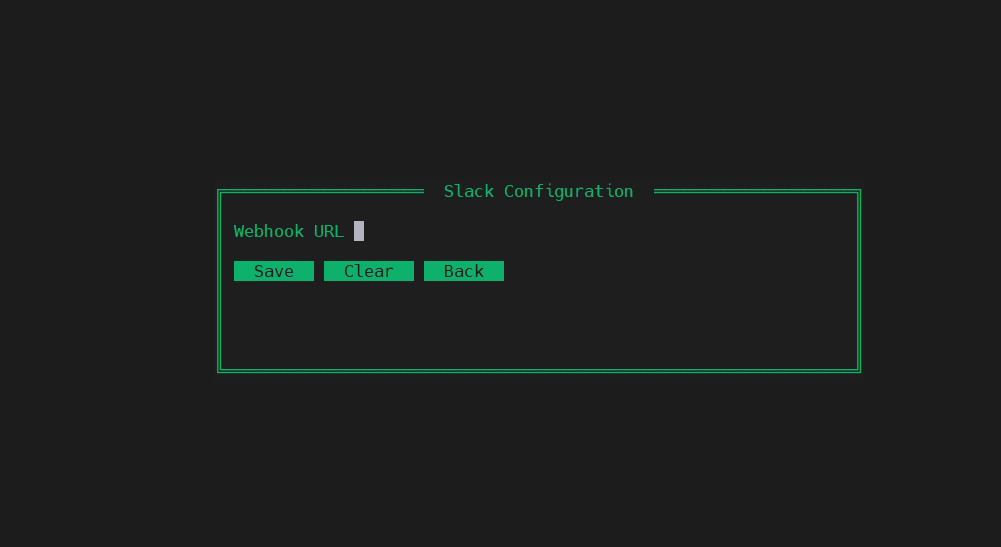
Optionally connect Grafana. Every subsequent run syncs automatically — NeuRader creates the datasource, imports the dashboard, and pushes each run in the background.
Each playbook run produces a clean JSON file named playbook_2025-01-24_14-30-00.json. Every managed node is captured with its exact outcome.
{ "playbook": "site.yml", "start_time": "2025-01-24T14:29:45Z", "end_time": "2025-01-24T14:30:02Z", "total_hosts": 3, "hosts": { "web01": { "status": "success", "summary": { "ok": 12, "changed": 3, "failures": 0 } }, "db01": { "status": "failed", "error_output": { "msg": "Permission denied", "stderr": "sudo: password required", "rc": 1, "module": "ansible.builtin.command" } } } }
Everything through one binary. No config files to edit, no services to manage.
Detects Ansible, creates directories, installs callback plugin, patches ansible.cfg, sets up log cleanup scheduler, and optionally configures Grafana.
Shows all recorded playbook runs sorted newest first — with playbook name, timestamp, total hosts, success count, and failed count.
Prints full per-host results for a specific run. Failed hosts display in red with full error output: msg, stderr, rc, and module name.
Manually delete logs older than your configured retention period. Also runs automatically via systemd timer or cron fallback every 12 hours.
Push all existing logs to Grafana. Only needed once when you first connect Grafana — after that every run syncs automatically in the background.
Create the Neurader datasource and import the pre-built dashboard into Grafana. Can be re-run after changing your Grafana endpoint.
Shows current config: log dir, retention period, callback plugin path, ansible.cfg location, Grafana endpoint, and total stored runs.
Removes the callback plugin, reverts ansible.cfg, disables the cleanup timer, and removes all config and log files. Leaves no trace.
Overwrites the installed callback plugin with the default version embedded in the binary. Use this after customising the log format and wanting to revert.
NeuRader creates a datasource and imports a pre-built dashboard into your Grafana instance. Every playbook run is pushed to Grafana automatically — no manual steps. Open your dashboard and the latest run is already there.
neurader grafana-setup
A single statically linked Go binary with zero dependencies. Supports every architecture and every major Linux distribution out of the box.
NeuRader was designed with one rule: it should never get in your way.
The Ansible controller exposes nothing. No HTTP server, no Unix socket, no background service. The Python callback writes directly to disk. The Go binary runs only when invoked.
neurader init does everything: creates directories, detects Ansible, installs the plugin, patches ansible.cfg, and sets up log rotation. You never touch a file.
The Python callback plugin, systemd units, and Grafana dashboard are all embedded inside the Go binary via go:embed. Download one file. That's the entire tool.
Every playbook run writes a clean, human-readable JSON file. Logs are named playbook_date_time.json and stored in /var/log/neurader/.
Configure your retention period once. NeuRader automatically deletes logs older than your threshold via a systemd timer (every 12h) or cron fallback.
One command sets up the datasource and imports the dashboard. Works with Grafana on any infrastructure — bare metal, Docker, Kubernetes, cloud-hosted.
One binary. One command. Full visibility into every playbook execution across your entire fleet.